
Organise tasks and checklists, set a daily aim and keep an optional work log.
GanttX
Plan projects on a visual timeline.
GanttX is a modern desktop project planning tool built in C# with WPF, designed for speed, clarity, and full visual control. Create, adjust, and manage your timelines using true drag-and-drop interaction—no clutter, no unnecessary steps, just direct manipulation of your plan.
Freeware · Version 6.0925 · 25 September 2026
Plan in GanttX. Work through tasks in KanDo.
Link a project and a bucket to synchronise task names, details, progress, additions and deletions in both directions. Dates, dependencies and scheduling remain in GanttX. Both applications work independently.
Current release: 6.0925
- Keep task names, details, progress, responsible person and start dates in step with KanDo.
- Preserve deeper project structure, scheduling and dependencies while KanDo shows buckets, tasks and subtasks.
- Recover interrupted local synchronisation and review conflicting edits.
Plan and adjust your schedule
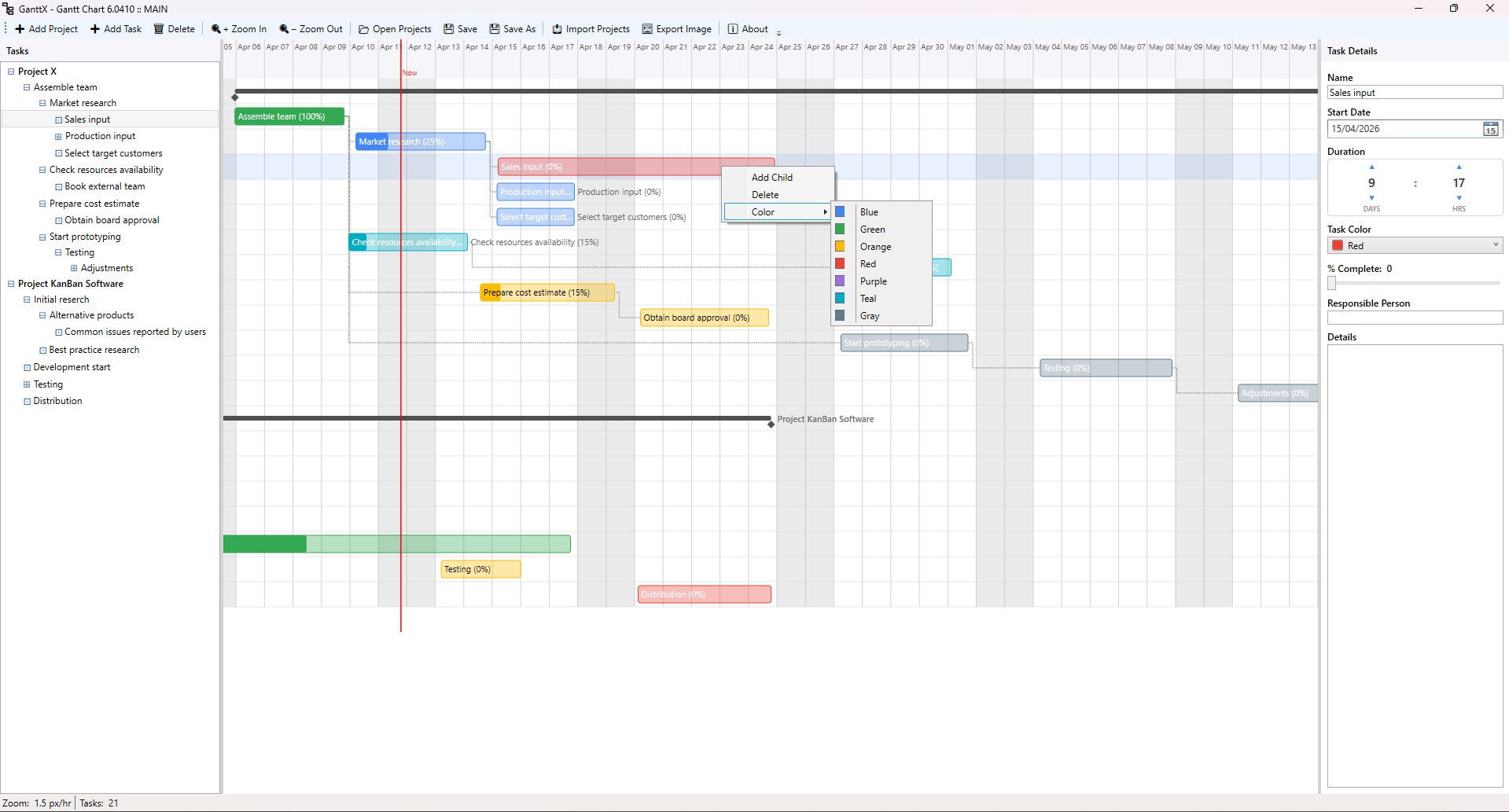
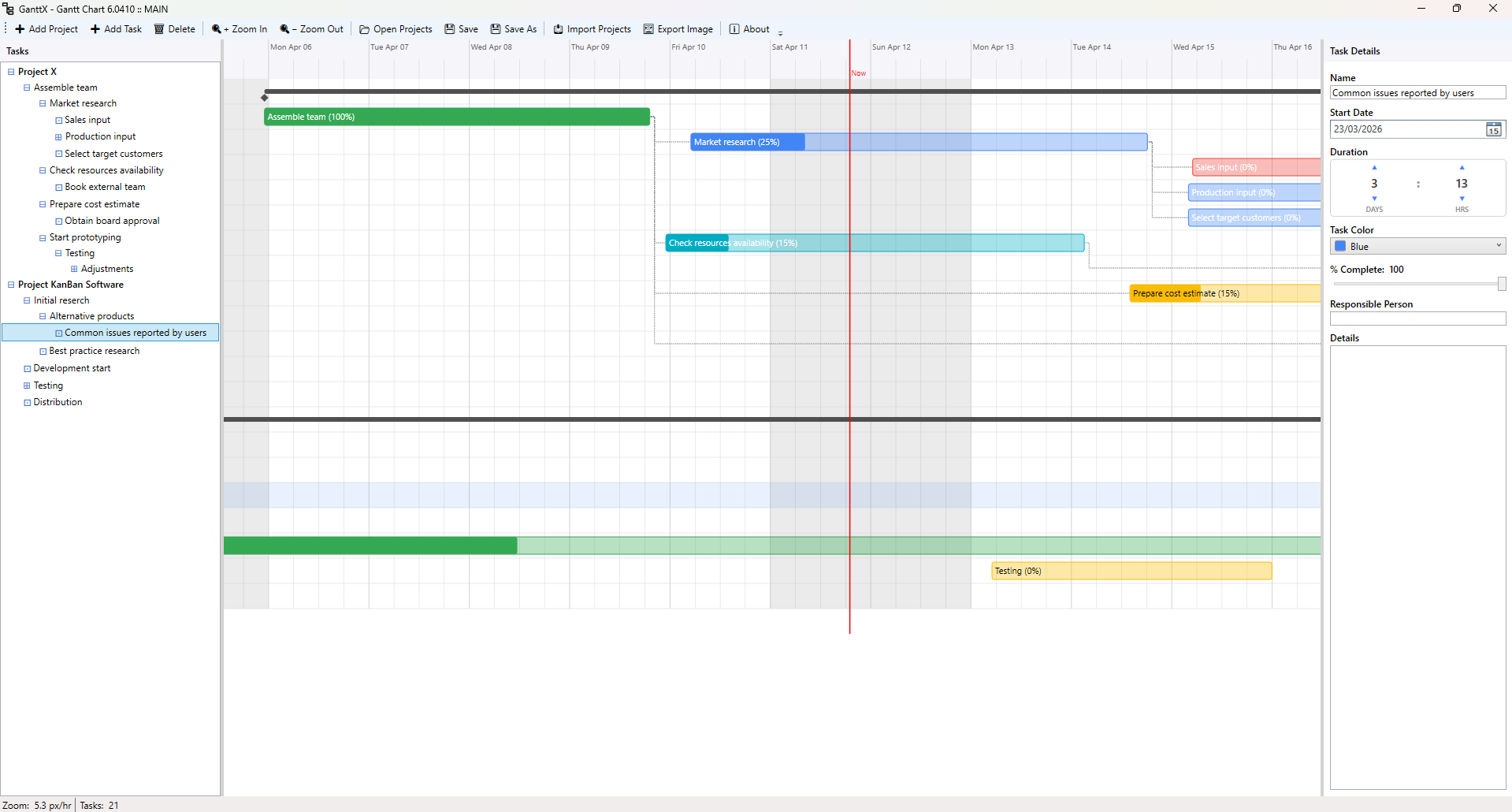
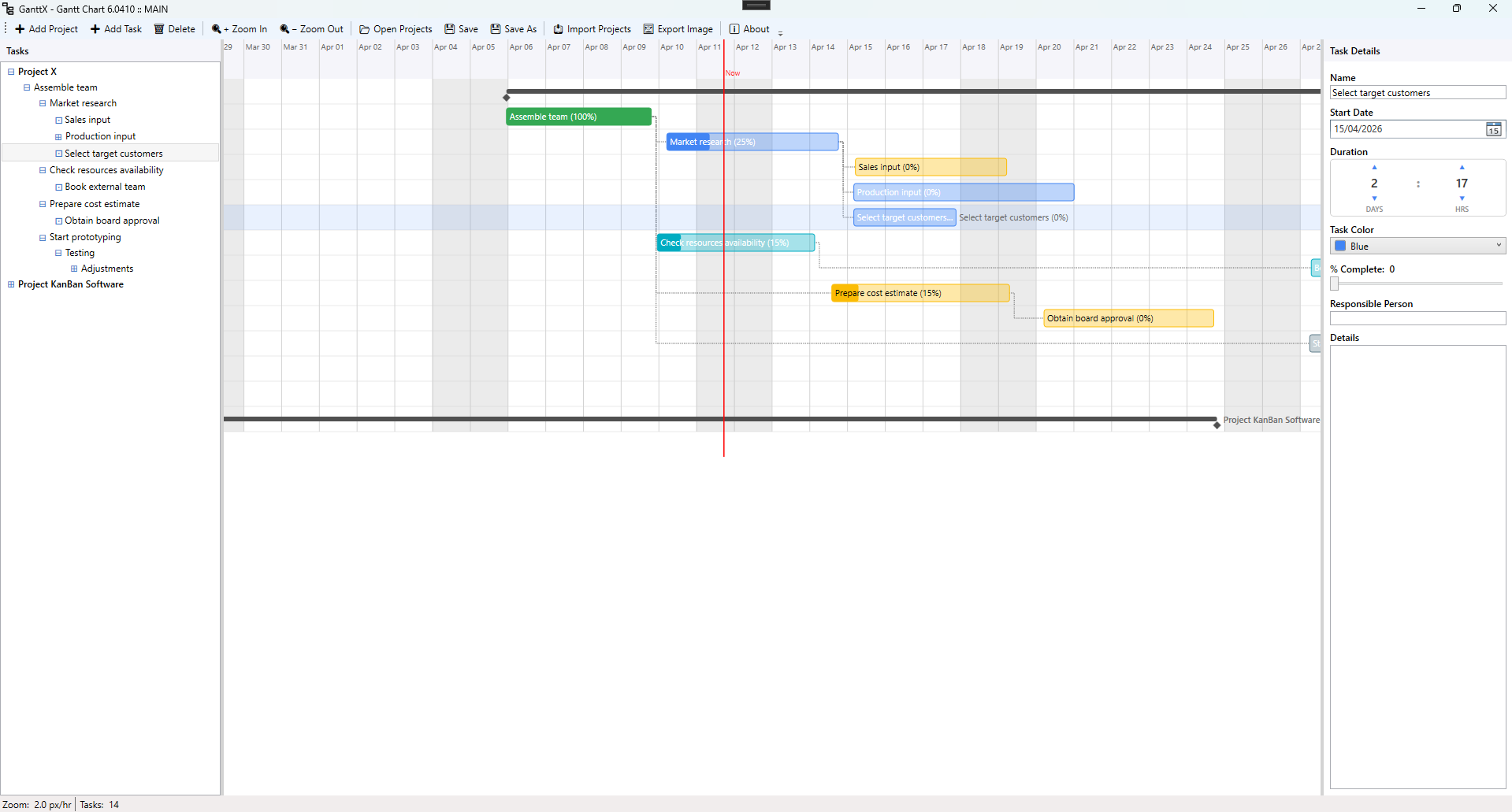
GanttX is a desktop tool for projects that need dates, durations and dependencies. Edit the timeline directly as plans change.
Built for real workflow
- Instantly move, resize, and reorder tasks
- Adjust timelines visually without forms or dialogs
- Adjust tasks directly on the timeline
Full drag & drop editing
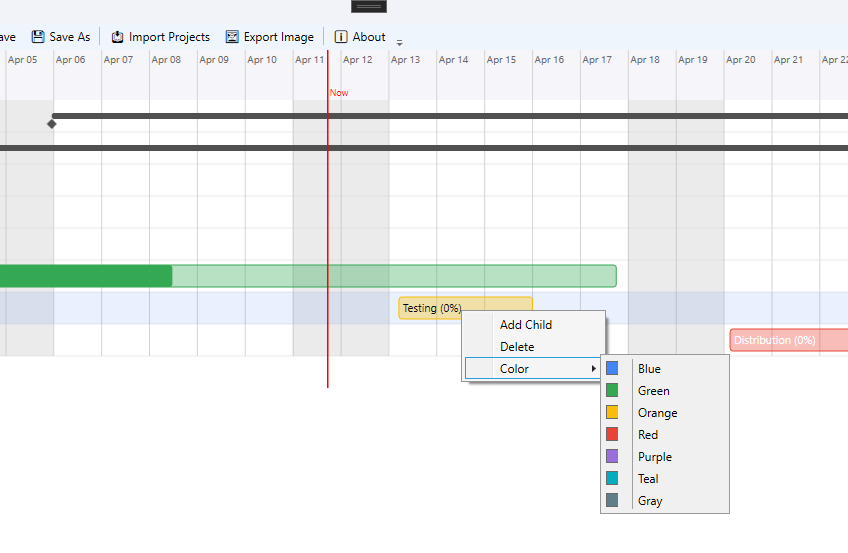
Move and resize tasks directly on the timeline with precision so projects can evolve as quickly as real work does.
Clean, desktop-focused UI
No browser lag, no clutter—just a responsive workspace with flexible task detail levels for names, dates, progress, notes, or only the essentials.
No limits
- Unlimited tasks and unlimited projects
- No ads, no restrictions, no hidden constraints
- Import and export projects for easy sharing
Designed from experience
Every decision in GanttX focuses on reducing clicks, removing barriers, and keeping interaction intuitive. You do not need to fill forms before you can start planning—create a task, place it on the timeline, and adjust it as needed.
Free, local, and yours
- Runs fully on your machine
- No cloud dependency
- No data collection
- No subscriptions
Enjoy the flow
GanttX is about getting out of your way and letting you focus on planning. No noise. No limits. Just a tool that works.
Linking a project with KanDo
Connect an existing project or bucket once, including work already in progress.
- Create a linked KanDo bucket from a GanttX project, or a GanttX project from a KanDo bucket.
- Names, details and progress stay in sync in both directions. Future tasks appear automatically.
- Deleting an item in a synced group deletes its counterpart too. Stop synchronising to keep two independent copies.
- Keep existing GanttX schedules. New tasks created from KanDo start today with a one-day duration.
- Sync several groups together, with recovery for interrupted updates and a way to resolve conflicting edits.
Get started
Install compatible releases of GanttX and KanDo under the same Windows account, then open both programs and save your GanttX project. Right-click a project and choose Sync with KanDo, or right-click a KanDo bucket and choose Sync with GanttX. The first connection creates a new linked group in the other program.
Everything stays on this computer. No online account, server or cloud service is needed. A closed program catches up when reopened. Focuser notes remain private to KanDo.
Explore KanDo