Plan project schedules, dependencies and timelines. Link tasks with KanDo on the same PC.
Work & Productivity · KanDo
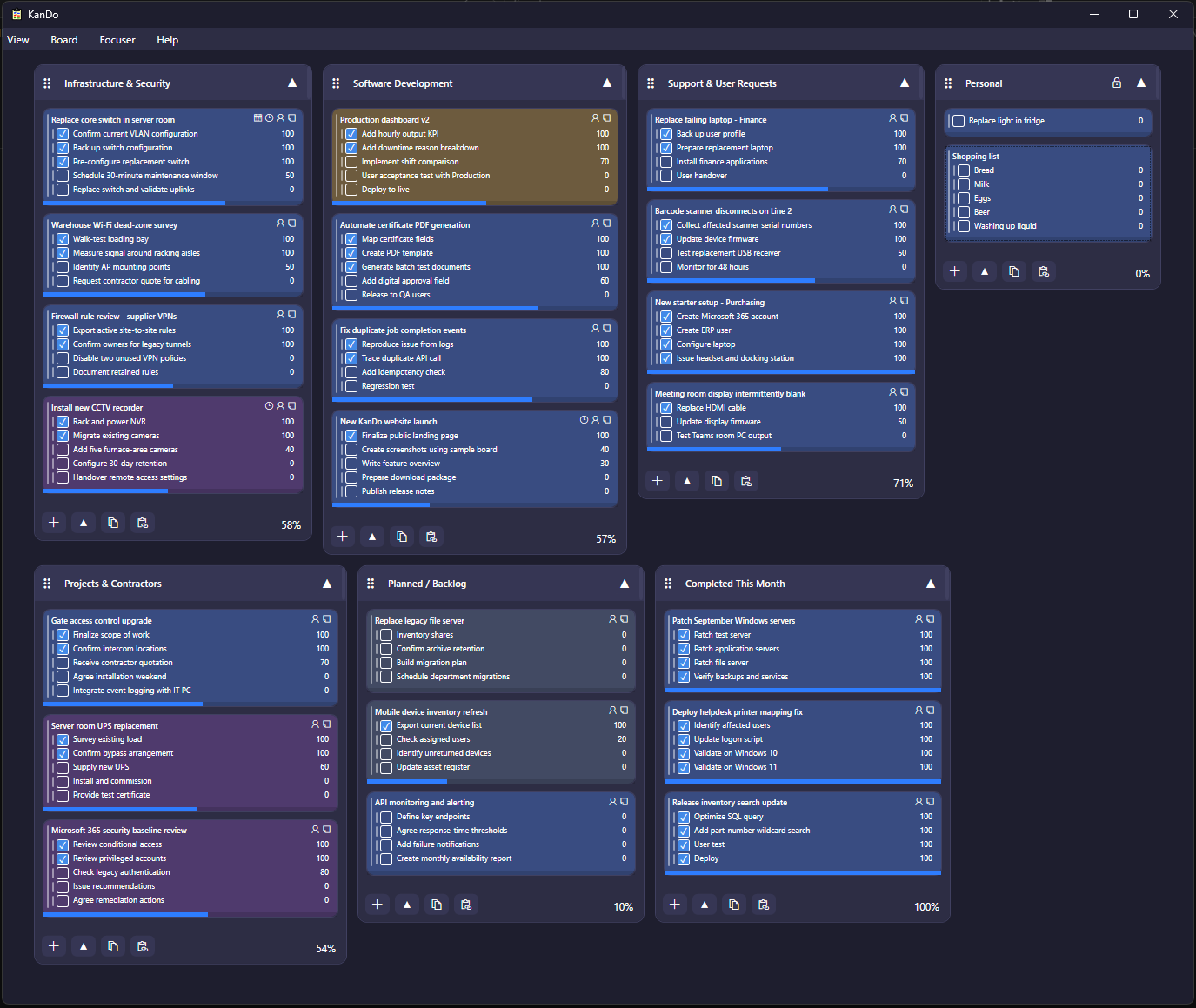
Tasks, checklists and a record of your work.
Organise your day on a local Windows board. Track progress, set reminders and review what you worked on with an optional work log.
Freeware · Version 6.1009 · 9 October 2026 · Windows x64
Connect your daily tasks with a GanttX project.
Link a project and a bucket to synchronise task names, details, progress, additions and deletions in both directions. Dates, dependencies and scheduling remain in GanttX. Both applications work independently.
New in 6.1009
- Keep the hidden dock tab within reach on screens of different sizes and positions.
- Save Focuser progress safely with automatic recovery and quiet retries when a file is temporarily locked.
- Dismiss Focuser prompts without recording unfinished progress.
Organise tasks and subtasks
- Create buckets, tasks and subtasks; drag items to reorder or move them.
- Paste lists from email and copy grouped lists back out.
- Track partial progress, hide completed items and set reminders.
- Choose a light or dark theme, text size and zoom.

Coming soon
KanDo mobile apps are in development
Take your task board with you and keep selected buckets available while you are on the go. The forthcoming KanDo mobile apps are being developed to work with KanDo's optional Google Drive synchronisation.
Focuser and the Work log
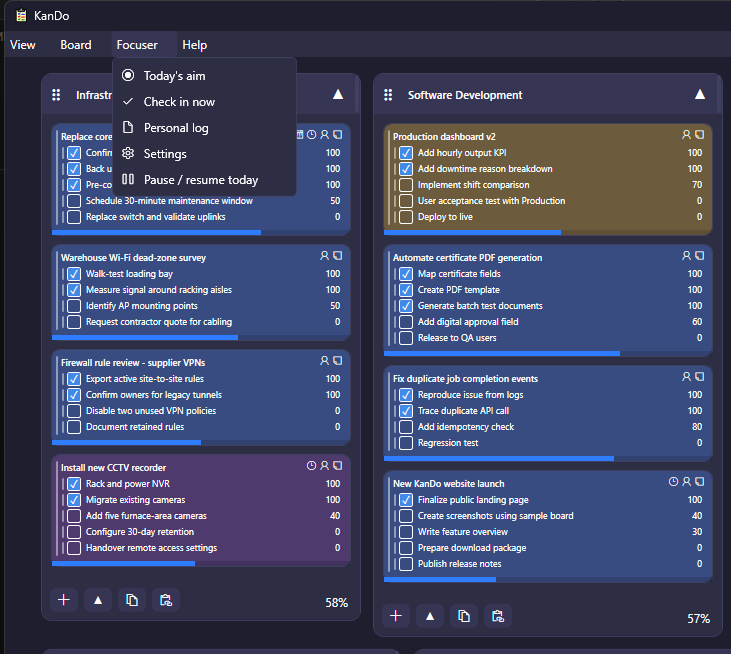
Set a daily aim, then check in at midday and before finishing. Record progress, comments and what you worked on instead. Adjust reminder times and choose whether to keep Focuser history.
The Work log brings those entries together with task activity. It separates progress and explicit work entries from planning changes such as creating, renaming or moving tasks. Monthly time totals include only durations you enter; there is no automatic time tracking.
Automatic activity recording is off by default. History stays on your computer and remains available after board items are deleted.
Local storage, optional sync and reminders
No account or cloud service is required. KanDo always saves locally. If you enable Google Drive sync, only the buckets you select are uploaded to KanDo’s private application-data area in your Drive account. Work-log and Focuser notes remain local. Task data can also be linked with GanttX under the same Windows account.
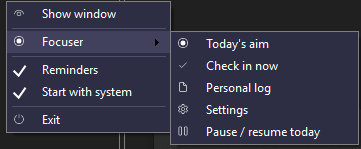
Keep KanDo running in the tray for reminders. Closing the board hides it; Exit in the tray closes the program.