

2D CAD with layers, dimensions and drawing import and export.
Free Windows applications
Windows tools for work, media and everyday tasks.
Draw and plan your work, display a media collection, or solve a specific Windows problem. Use each application independently, or combine tools that work together.
Work & Productivity
Tools for designing, planning and getting work done.
Productivity Combo
Plan schedules and dependencies in GanttX. Manage day-to-day tasks in KanDo. Link a project and a bucket to synchronise names, details and progress locally under the same Windows account.
Use either independently, or connect them when you need both.
Media & Living Room
Use a Windows Mini PC to display your media library and control it from the sofa.
Living Room Setup
Every app works on its own. Start with the one you need and add others when useful. This setup is one way to combine them, not a list of required installations.
Memories displays your collection, Squeeze prepares a local media cache, KeyInit provides mouse-only text input, and FireUp keeps the PC awake and starts supporting applications. Configure the tools you need on a Windows Mini PC connected to your TV.
Example with Squeeze preparing a local collection for Memories:
- NAS / media library
- Squeeze
- Local collection
- Memories
- TV
Memories can display your existing media without Squeeze. Add Squeeze for preparation and caching, KeyInit for mouse-only text input, or FireUp to keep the PC awake and launch applications.
Display your photos and videos as a changing gallery on a Windows screen.

Prepare, convert and synchronise media, including a local collection for Memories.
Open the Windows touch keyboard with the mouse and return focus to your text field.

Keep a PC awake and launch applications on a timer without using the Windows screensaver route.
Windows Utilities
Small tools for specific Windows tasks. FireUp and KeyInit also serve the Living Room Setup.

Create directory symbolic links on Windows without admin privileges using a simple, lightweight, free utility.
Keep a PC awake and launch applications on a timer without using the Windows screensaver route.
Open the Windows touch keyboard with the mouse and return focus to your text field.
kSoftware Games
Take a break from gravity.
Riftburn BETA 2 (Rel. 6.1016) is here. Explore six missions with the freedom to fly in every direction.
Explore games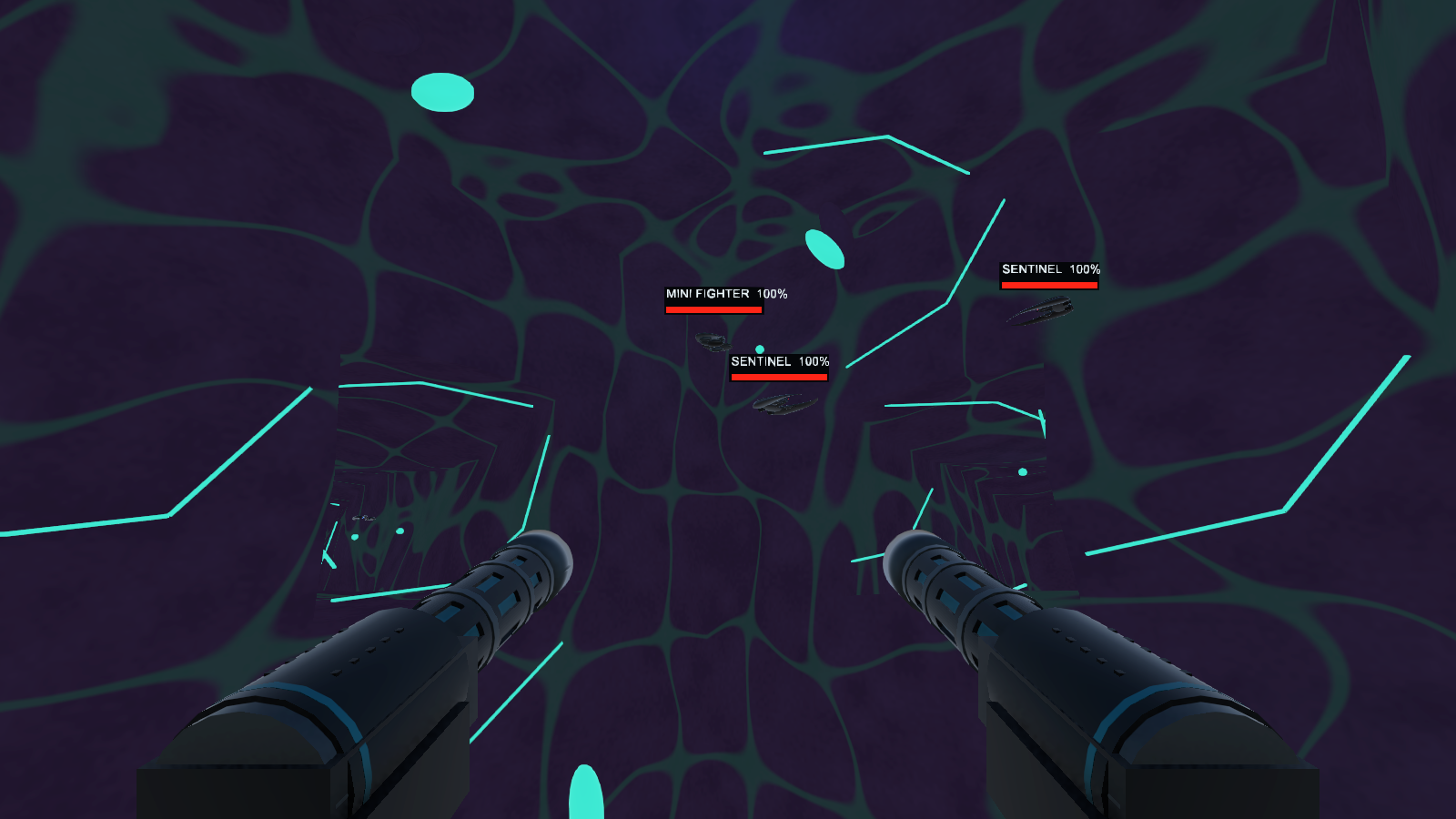
Download individual applications
Choose the tools you need. No collection or bundle is required.
Browse downloads